Why I've switched off Google's automatic text overlays on every client account
Google Ads now adds AI text overlays to Demand Gen videos by default. Here's why I've switched it off for every client, and how to do the same.
By Ollie Hempsall · 12 October 2026
Web developer and digital marketer based in Derbyshire, helping small businesses get more from their websites.
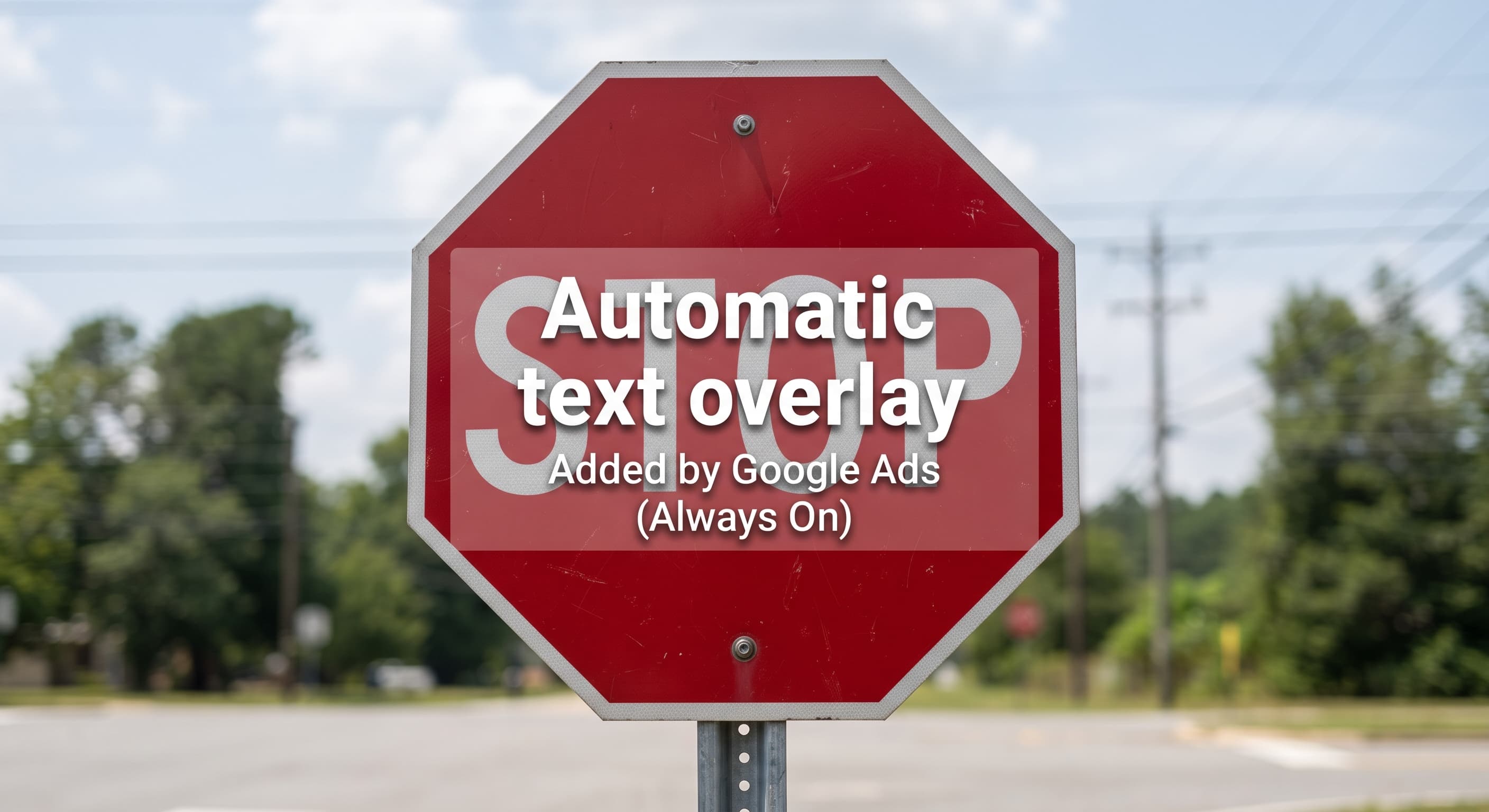
Google has added a new setting to Demand Gen campaigns called "Overlay on videos". When it's on, Google takes the headlines and descriptions you've written for the campaign and places them as text over your video ads. It appears to be switched on by default. I've turned it off across every client account I manage, and unless you have a specific reason to test it, I'd suggest you do the same. Here's why, and how to do it in under a minute.
What is "Overlay on videos" in Google Ads?
Demand Gen is Google's campaign type for running image and video ads across YouTube, Discover and Gmail. Inside each campaign there's an asset optimisation section, where Google lists the automated changes it's allowed to make to your creative.
As Search Engine Land reported on 9 October 2026, the new "Overlay on videos" option sits alongside the existing "Shorter videos" and "Resized videos" settings. With it enabled, Google uses your existing text assets (the headlines and descriptions you supplied for the ad) to generate overlays of key messages, then displays them on top of the video. The change was first spotted by Gert Jan van Egmond and covered by PPC News Feed, which notes the setting is marked as new and appears to be on by default.
That last part is the problem.
Google at it again: on by default
This isn't a one-off. Google's own help page on creative enhancements in Demand Gen confirms that video enhancements and image enhancements are both enabled by default for new campaigns. The pattern is consistent: Google switches the automation on and leaves it to the advertiser to notice.
For a business checking its own account once a week, that's an inconvenience. For an agency managing other people's brands, it's a risk worth closing down straight away.
Three reasons I've turned it off
1. If I wanted text on the creative, I'd have put it there
Every video I run for a client has been through a brief, an edit and a round of feedback. Where text belongs on screen, it's already there, positioned so it doesn't fight with the product, the people or the logo. Where there's no text, that's usually deliberate.
An automated overlay ignores all of that. Even Search Engine Land's write-up flags that overlays may cover important visual elements or introduce messaging that doesn't match the intended creative. A headline written to work as a standalone line in a text ad is not automatically the right line to sit on top of a video.
2. The output isn't at a brand standard yet
I've been testing Google's video automation in Performance Max (Google's all-in-one campaign type that runs across Search, YouTube, Display and more from a single set of assets) to see what it actually produces. So far, I'm not impressed.
Some of the results were genuinely funny. Text came out too big for the screen, and on some assets it landed directly on top of text I'd already designed into the creative. Google didn't pick up the font I'd used, so the generated copy clashed with everything around it. Across the board, there was a general feeling of AI slop: technically an ad, but nothing a client would want their name on.
I'm not the only one being cautious. Google's Performance Max help page itself warns that campaigns using auto-generated videos may show people who land on your site a different product from the one featured in the video. AdExchanger has also reported on Performance Max cutting longer brand videos into Shorts-sized clips, even where an advertiser had deliberately avoided that format.
Overlays aren't the same feature, but they come from the same approach: take the advertiser's assets, reassemble them automatically, and serve the result without a person signing it off.
3. It isn't brand safe
The last thing you want is a client spotting text plastered across their creative that they never approved. Once the setting is live, you don't choose which text asset gets used, where it lands on the frame, or how it reads against the footage. That's a conversation no agency wants to have, and it chips away at the trust a client relationship depends on.
Brand safety usually gets discussed in terms of where an ad appears. It applies just as much to what the ad says and shows. If a client has signed off a video, the version that serves should be that video.
The AI label you might not expect
There's a knock-on effect worth knowing about. Ads using image or video assets modified by these optimisation features are labelled as created or edited with AI when served in the European Union, India and New York state.
According to Google's AI content label guidance, campaigns targeting those regions can show a visible disclosure overlay on the ad itself, and assets produced by Google's fully automated features may be labelled on your behalf. For a UK business advertising only in the UK, this won't apply today. If your campaigns also reach Ireland or the rest of the EU, a client's carefully produced video could carry an AI label because of a setting nobody chose to turn on.
Is there a case for leaving it on?
To be fair to Google, there is one. A lot of video is watched with the sound off, and on-screen text can carry a benefit or a call to action that would otherwise be missed. For an advertiser with no designer and footage with no text at all, an overlay might well lift results.
If that's you, treat it as a test rather than a default. Run it on a separate ad, check the previews properly, and compare results against your original creative before rolling it out. The better long-term fix is to add your own text in the edit, where you control the wording, placement and timing.
How to turn off "Overlay on videos"
- Open your Demand Gen campaign in Google Ads and edit the ad that holds your video assets.
- Scroll to the Asset optimisation section, which Google places at the bottom of the Media card.
- Under Video, untick "Overlay on videos".
- If you don't want any of Google's automated video changes, use "Disable all" to switch the video optimisations off together.
- Save, then repeat for every Demand Gen campaign in the account.
Add this to your new-campaign checklist too. Defaults apply every time you build, so a setting you switched off last month won't stay off on next month's campaign.
FAQs
Is "Overlay on videos" on by default? Both PPC News Feed and Search Engine Land report that it appears to be on by default, so check every Demand Gen campaign rather than assuming it's off.
Does this affect Performance Max? The new setting has been reported in Demand Gen. Performance Max has its own video enhancement controls in the Asset optimisation section of the campaign, covered in Google's video enhancements help page, so review those separately.
Will my ads be labelled as AI-generated? Only where they serve in regions with AI disclosure rules, currently the EU, India and New York state. UK-only campaigns aren't affected by the visible label today.
Not sure what Google has switched on in your account? Get in touch and I'll take a look.