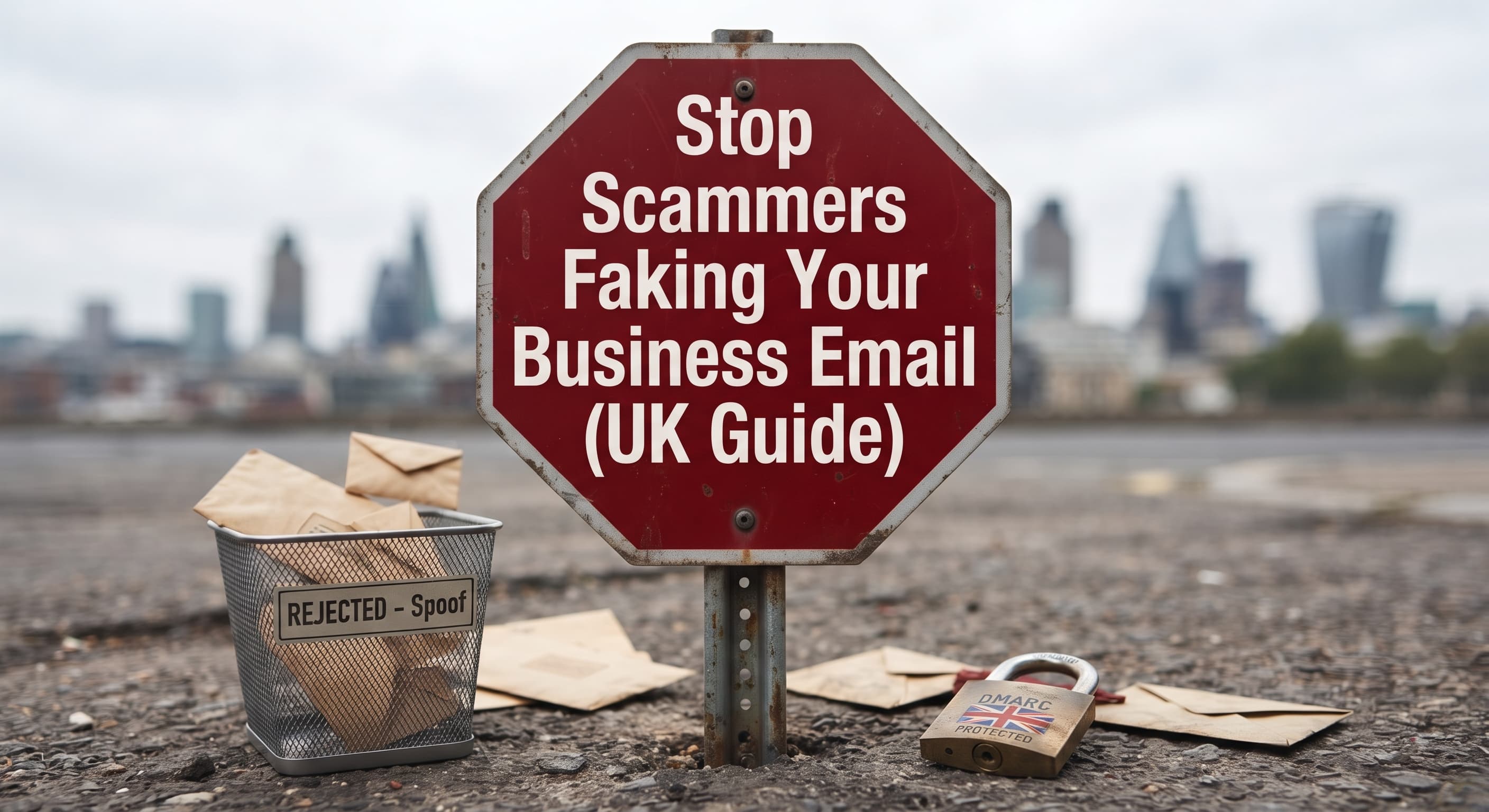
Stop Scammers Faking Your Business Email (UK Guide)
Scammers can send fake invoices from your business email address. Learn how SPF, DKIM and DMARC stop them and how to check your domain for free.
By Ollie Hempsall · 25 September 2026
Web developer and digital marketer based in South Normanton, Derbyshire, helping small businesses get found online and stay secure.
Someone can probably send an email that looks exactly like it came from your business, unless three settings on your domain are in place. They're called SPF, DKIM and DMARC. Together they tell Gmail, Outlook and every other mail provider which emails genuinely come from you, and what to do with the ones that don't. Whether your domain has them set up properly is something you can check in a couple of minutes, for free, and adding the missing records usually only takes an afternoon.
This guide explains what email spoofing is, why it's a fraud risk rather than just a nuisance, and exactly how to check and protect your domain.
When I raise this with small business owners, the reply I hear most often is the one a client gave me recently: "I have Google Workspace, I'll be fine." It's a reasonable assumption. Google is a huge company, so surely it protects you automatically. It doesn't. Google Workspace gives you the tools to set up SPF, DKIM and DMARC, but the records have to be added to your domain, and until they are, your domain can still be spoofed.
What does email spoofing actually look like?
Email spoofing is when a scammer sends a message that appears to come from someone else. There are three common versions, and it's worth knowing which ones the settings in this guide actually stop.
- Exact domain spoofing. The email shows your real address, such as accounts@yourbusiness.co.uk, in the "From" line. The scammer never logs into your account. They type your address in, because email wasn't designed to check who the sender really is. This is the one SPF, DKIM and DMARC stop.
- Display name spoofing. The name shown says "Your Business Accounts", but the actual address behind it is a random Gmail account. People reading on a phone often never see the real address.
- Lookalike domains. The scammer registers a domain that's one character off yours, like yourbusiness-uk.co.uk or yourbuslness.co.uk, and sends from that.
The last two can't be blocked by settings on your domain, because the scammer isn't using your domain. The habit that catches them is the same one that catches everything else: never act on a request to change payment details without phoning the person on a number you already have.
Why is spoofing a fraud problem, not just a spam problem?
Because the most common goal is money. A spoofed email from your address might send your customer an invoice with "updated" bank details, or ask your supplier to redirect a payment.
This is known as invoice and mandate fraud, and it is tracked by the UK banking industry. According to the UK Finance Annual Fraud Report 2026, invoice and mandate scams cost UK victims £41.3 million in 2025 across 2,305 cases, with around £28 million of that falling on business and other non-personal accounts. Those are only the cases reported through banks.
The damage isn't just the money. If your customer pays a fake invoice that appeared to come from you, the conversation that follows is about your business, your email and your reputation.
There's a second, quieter cost. Email providers increasingly expect senders to prove who they are. Google's email sender guidelines require authentication, with stricter rules for bulk senders. Microsoft followed, and since 5 May 2025 Outlook.com rejects mail from domains sending over 5,000 emails a day that fail SPF, DKIM and DMARC checks. Most small businesses send nowhere near that volume, but the pattern is clear: unauthenticated email is treated with more suspicion every year, and that includes your genuine emails.
What are SPF, DKIM and DMARC in plain English?
All three are small text records added to your domain's DNS settings (DNS is the address book that tells the internet where your website and email live). You don't install anything, and nothing changes on your computer.
| Record | What it does | Plain English |
|---|---|---|
| SPF (Sender Policy Framework) | Lists the servers allowed to send email for your domain | A guest list. If the sending server isn't on it, the email looks suspicious. |
| DKIM (DomainKeys Identified Mail) | Adds a digital signature to every email you send | A tamper-proof seal. The receiving server checks the seal against a key published on your domain. |
| DMARC (Domain-based Message Authentication, Reporting and Conformance) | Tells receiving servers what to do when an email fails SPF and DKIM, and sends you reports | The instruction to the bouncer: "If they're not on the list and the seal is broken, turn them away, and tell me who tried." |
SPF and DKIM on their own don't stop spoofing. They produce a pass or fail, but without DMARC the receiving server decides for itself what to do with a failure, and often lets it through. DMARC is the part that turns the checks into protection.
I use Google Workspace or Microsoft 365. Am I already protected?
Not automatically. Your email provider handles sending and receiving your mail, but SPF, DKIM and DMARC are records on your domain, and your domain's settings are your responsibility.
Google's own DKIM setup guide says you might not need to set up DKIM if it's already on by default for your domain, or if you bought your domain from a Google partner when you signed up. If your domain came from anywhere else, such as 123 Reg, GoDaddy, IONOS or your web designer, you will usually need to add the records yourself. DMARC is never added for you by any provider. It only exists if someone publishes it on your domain.
The same applies to Microsoft 365. Both are excellent email services. Neither one can protect a domain whose records haven't been set up.
Why AI-built websites often miss this
AI tools can now build a good-looking website in an afternoon, and there's nothing wrong with that. The speed is impressive. The catch is that an AI will build what you ask it for, and most people ask for a website, not for email security.
SPF, DKIM and DMARC don't live in your website's code at all. They sit in your domain's DNS settings, a separate layer that a website builder, AI or otherwise, doesn't touch unless someone specifically sets it up. So a site can look finished and professional while the domain behind it has no protection against someone sending email in its name.
When I look under the hood of AI-built sites, this is one of the gaps I see most often. The website works. The email security was simply never part of the brief.
Why "p=none" isn't protection yet
A DMARC record has a policy, written as p=, with three possible settings:
- p=none: monitor only. Failing emails are still delivered, and you receive reports about them.
- p=quarantine: failing emails go to spam or junk.
- p=reject: failing emails are refused outright.
A domain on p=none has DMARC, and many online checkers will show it as "present", but it isn't blocking anything. It's a starting point, not the finish line.
Starting at none is the right approach. The NCSC's anti-spoofing guidance recommends beginning in monitoring mode so you can see every service sending email as you before you start blocking. The mistake is stopping there.
How do I check if my domain can be spoofed?
The quickest free option is the NCSC Email Security Check, run by the UK government's National Cyber Security Centre. You type in your domain (the part after the @ in your email address), and it checks your anti-spoofing settings using publicly available information. No sign-up, no personal details.
When you get your results, look for three things:
- Is there an SPF record, and is there only one? Two SPF records on the same domain is a common mistake, and it breaks SPF entirely.
- Is there a DMARC record? If not, anyone can send as your domain with very little standing in their way.
- What is the DMARC policy? If it says
p=none, you're monitoring but not protected.
DKIM is harder to check from the outside, because each email provider publishes its key under its own name. If you use Microsoft 365 or Google Workspace, check the DKIM section of your admin settings to confirm signing is switched on for your own domain.
How do I fix it?
The records themselves take minutes to add. Getting them right takes a bit more thought, because every service that sends email as you needs to be accounted for, or your own emails will start failing.
1. List everything that sends email as your business
This is the step most people skip. It's rarely just your inbox. A typical small business might send email through:
- Microsoft 365 or Google Workspace (your everyday email)
- Accounting software such as Xero or QuickBooks (invoices and reminders)
- A newsletter tool such as Mailchimp
- Your website's contact form
- A booking system, CRM or e-commerce platform
Each one needs to be authorised in SPF, and ideally set up to sign with DKIM on your domain.
2. Publish one SPF record
Combine every sending service into a single record. For a business on Microsoft 365, the starting point looks like this:
v=spf1 include:spf.protection.outlook.com -all
For Google Workspace, the include is include:_spf.google.com. Other services give you their own include to add. SPF also has a limit of ten DNS lookups, so a long list of services can quietly break it.
3. Turn on DKIM for each service
Your email provider generates the keys. You copy the records they give you into your DNS, then switch signing on in their admin panel. Do this for your main email and for any other tool that offers it.
4. Publish DMARC in monitoring mode
Add a record at _dmarc.yourbusiness.co.uk:
v=DMARC1; p=none; rua=mailto:dmarc-reports@yourbusiness.co.uk
The rua address receives daily reports showing every server that sent email using your domain, and whether it passed.
5. Read the reports, then tighten the policy
Once the reports show your genuine services passing, move to p=quarantine, check nothing important is landing in spam, then move to p=reject. How long this takes depends on how many services send email for you. It's usually a matter of weeks rather than days, and rushing it is how businesses end up blocking their own invoices.
6. Protect domains you don't send email from
If you own other domains, such as an old business name or a .com you bought alongside your .co.uk, scammers can spoof those too. The NCSC's guidance covers locking these down so that no email from them is accepted at all.
What if scammers are already using my domain?
Signs include customers asking about invoices you didn't send, or your inbox filling with bounce-back messages for emails you never wrote. If that's happening:
- Warn your customers and suppliers. Tell them you will never change bank details by email, and to phone you on a known number before paying anything that looks unusual. Send the warning without links, so it can't be mistaken for a scam itself.
- If money has been sent, contact the bank immediately. Speed matters for recovering funds.
- Report it. In England, Wales and Northern Ireland, report fraud to Report Fraud, the service that replaced Action Fraud, online or on 0300 123 2040. In Scotland, call Police Scotland on 101. Forward suspicious emails to the NCSC's reporting service at report@phishing.gov.uk.
- Fix the records. Everything above still applies. Spoofing stops being easy once your domain is on
p=reject.
Who should set this up for you?
Whoever manages your domain's DNS. For many small businesses, that's the same person or company who built the website, because the domain and hosting were set up together. If you're not sure who has access to your DNS, that's worth finding out regardless. It's one of the questions covered in our guide on how to choose a website developer.
If you'd rather not touch DNS records yourself, I offer free business email security checks for UK small businesses. I'll check your SPF, DKIM and DMARC setup, tell you plainly what's missing, and explain what it would take to fix. If the answer is "you're already fine", that's what I'll tell you.
Need a website for your business?
Hempsall Digital builds fast, modern websites for UK small businesses. Get a free quote with no obligation.
Get a free quoteHempsall Digital builds and looks after websites for small businesses across Derby, Derbyshire and the East Midlands, including the domain and DNS setup behind them. See our web development services for more.
Frequently asked questions
About the author
Ollie Hempsall
Ollie runs Hempsall Digital from South Normanton, Derbyshire. He has over seven years of digital advertising and SEO experience across insurance, retail and sport, holds multiple platform certifications and works with small businesses across Derby, Derbyshire and the UK.
Connect on LinkedIn